Explore cybersecurity resources built for every access challenge
Find expert insights, guides, webinars, documentation, customer stories, and practical content.
46 results, page 1 of 6

Meurthe-et-Moselle Departmental Council
Delivering a seamless remote working experience for employees.
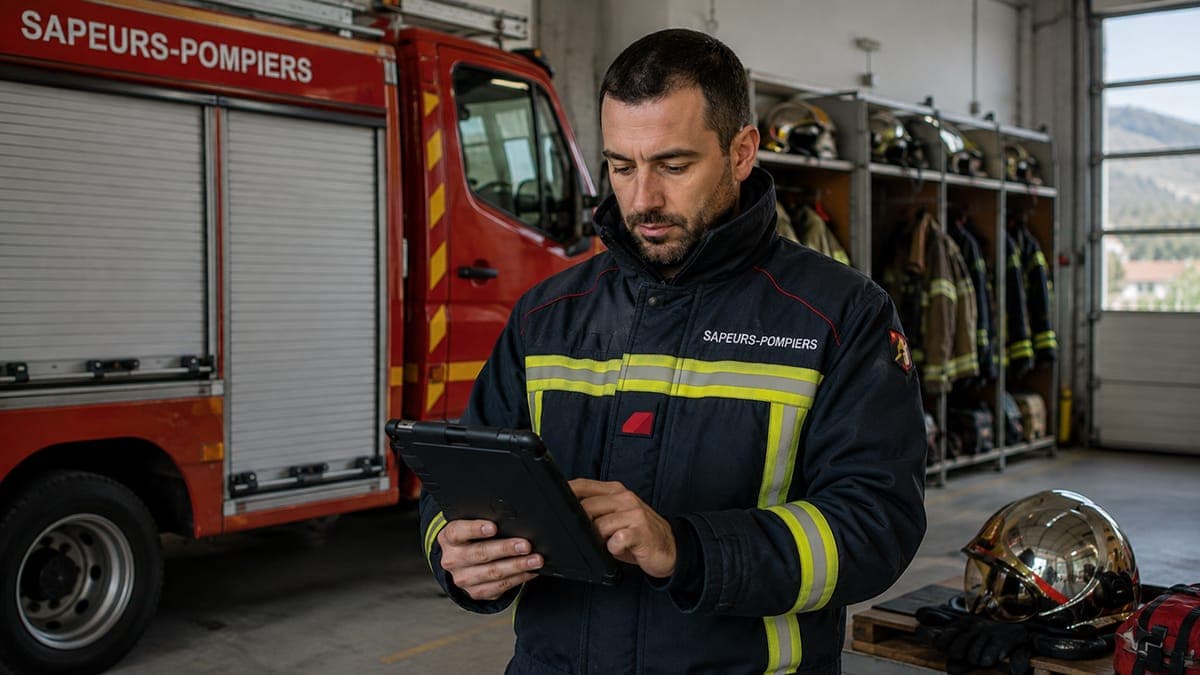
Hautes-Alpes Departmental Fire and Rescue Service
Securing and simplifying volunteer firefighters’ access to operational applications.

Bièvre Isère Regional Authority
Bièvre Isère authority chose cyberelements to streamline employee integration and enable staff to be fully operational on their first day.
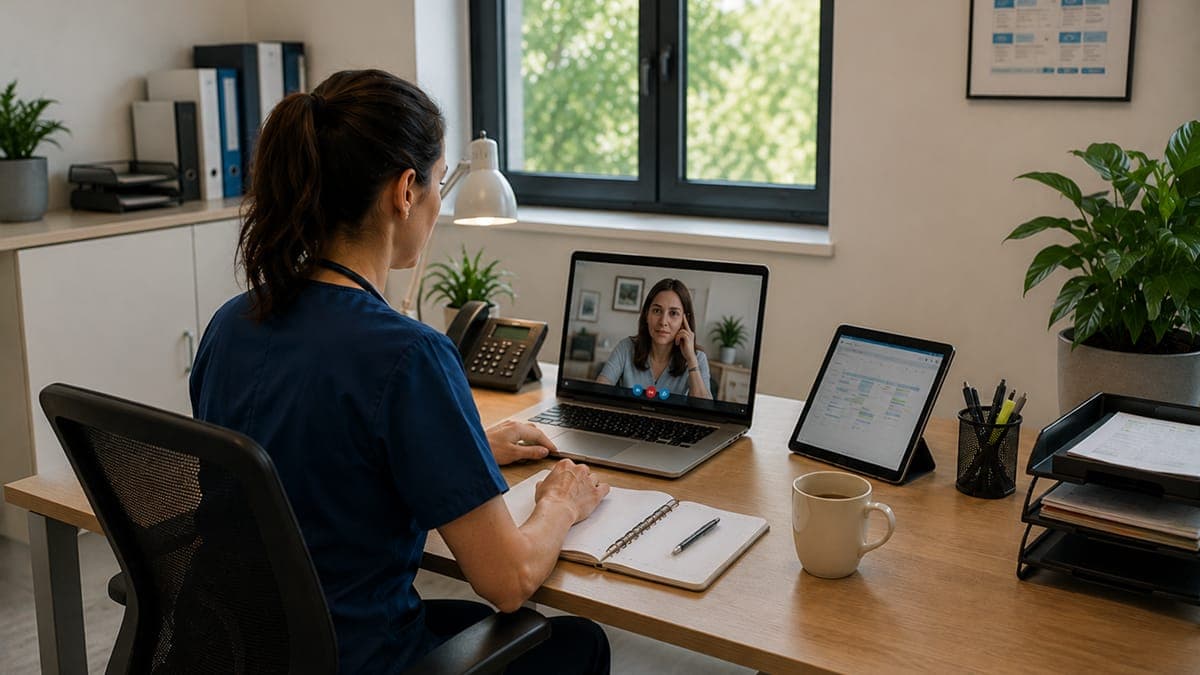
Metz Jury Public Mental Health Service
Metz Jury Public Mental Health Service has strengthened access security while enhancing user experience with cyberelements.
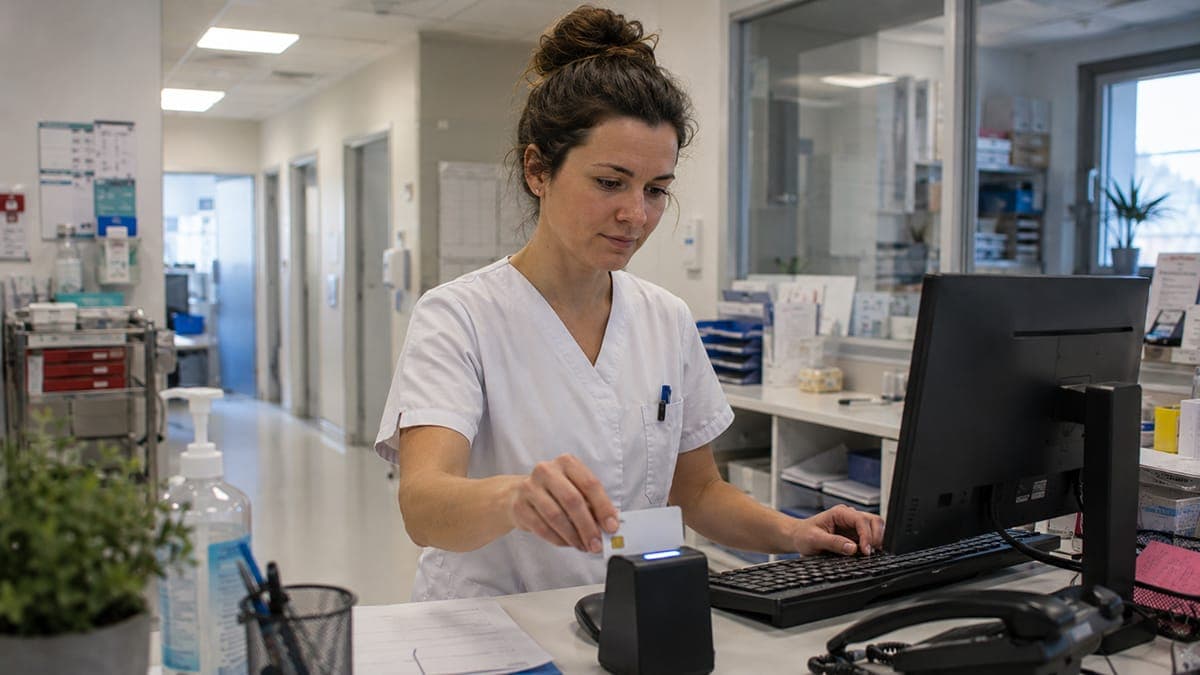
The Healthcare Group of the Ariège Pyrenees
Deployment of the new European eIDAS-compliant professional smart card, significantly strengthening security while enhancing the user experience.
OVHcloud and CyberElements combine their expertise to deliver the only sovereign Zero Trust SaaS platform
OVHcloud and CyberElements by Systancia announce a strategic partnership to host the cyberelements Zero Trust SaaS platform on SecNumCloud-qualified infrastructures.

Fleury Michon
Centralise and strengthen the security of internal and external access to OT and IT systems, while ensuring segregation between the two.

Industrial Control Systems Security
Learn more about Industrial Control Systems Security. This e-book covers OT security: compliance, remote access, IT/OT separation, and more.

GIMA Transmission Technologie
Discover why GIMA Transmission chose CyberElements Identity Management solution and how our team helped them manage access rights.